Sync Your Phone to Your Car Through Bluetooth Connection
How to Sync Your Phone: Honda Bluetooth HandsFreeLink® in Boston
Staying safely connected while driving in and around Boston is simple, thanks to your Honda’s Bluetooth HandsFreeLink® system. This technology allows you to make and receive calls, and stream audio without ever taking your hands off the wheel. The initial setup only takes a few minutes, and once paired, your phone will automatically connect every time you get into your Honda.
Step-by-Step Guide to Bluetooth Pairing
Follow these easy steps to connect your smartphone to your Honda's audio system. (Note: Specific steps may vary slightly depending on your Honda model and year, so always check your Owner's Manual.)
You’ll need to ensure your smartphone’s Bluetooth setting is turned ON before beginning. For the most seamless experience, make sure any other previous Bluetooth connections on your phone (like headphones or watches) are disconnected.
Pairing Your Device
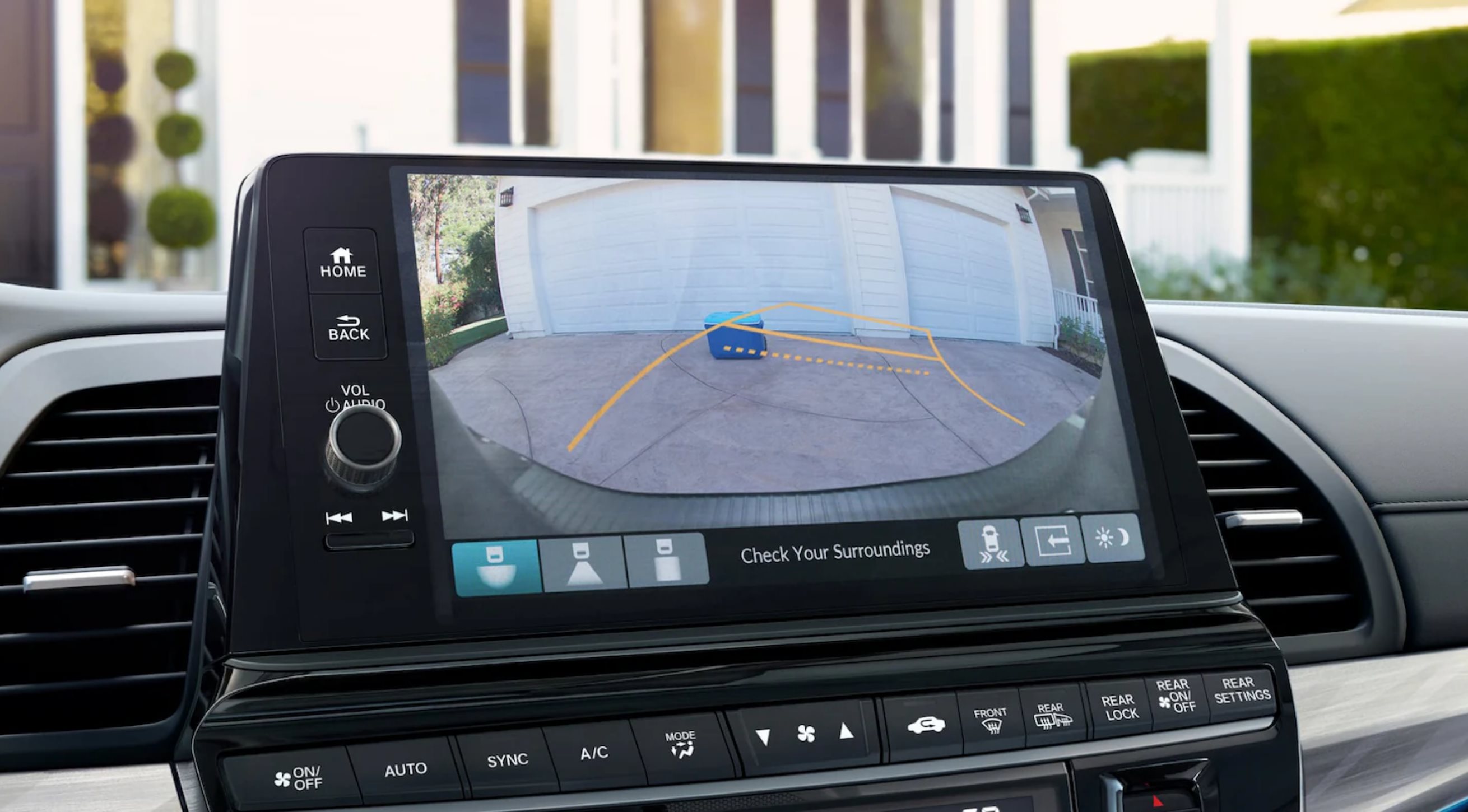
Use the controls on your Honda's display audio screen to begin the pairing process:
- On the car’s display screen, navigate to the Phone menu.
- If no device is currently paired, select the option to Connect New Device (or similar wording).
- Follow the on-screen prompts. The system will enter discovery mode and prompt you to begin searching for the vehicle from your phone’s Bluetooth settings.
- On your phone, select the name that appears (usually "HandsFreeLink" or your Honda model).
- Confirm that the pairing code displayed on your phone matches the one on your Honda’s screen, and confirm the connection on both devices.
- The system will usually prompt you to allow access to phone functions like Contacts and Call History. Select your preferences to complete the process.
You can typically pair up to six phones to your Honda. If you need to switch which phone is active, you can do so easily through the same Phone Settings menu.
Troubleshooting and Support
If you’re still having trouble, the technology experts at Parkway Honda of Boston are here to help. Whether you need assistance with Bluetooth connectivity, setting up Apple CarPlay® or Android Auto™, or any other auto repair or service, our team has you covered. Schedule a service appointment today or check our service specials for great deals on maintenance.